Free USMLE and NBME Score Predictor | CoreStepPrep
Combine NBME, question-bank, and shelf exam results in CoreStepPrep’s free score predictor to estimate readiness and track USMLE progress over time.
Preparing for a USMLE or NBME exam can leave you with plenty of data but no clear answer. One assessment reports a percentage, another provides a three-digit score, and your question bank shows an overall average. Even when the numbers improve, it may be difficult to tell whether you are truly moving toward your test-day goal.
The free CoreStepPrep USMLE and NBME Score Predictor brings those results into one longitudinal view. It combines supported practice-exam results, question-bank performance, clinical shelf scores, and relevant prior USMLE results to estimate performance and show how your preparation is trending.
The predictor is 100% free, requires no credit card, and is intended to remain free.
One predictor from Step 1 through Step 3
The CoreStepPrep Score Predictor is designed to remain useful across multiple stages of medical school. It supports:
- USMLE Step 1
- USMLE Step 2 CK
- USMLE Step 3
- NBME Clinical Science Subject Examinations, commonly called shelf exams
Supported shelf categories include Internal Medicine, Family Medicine, Surgery, Pediatrics, Obstetrics and Gynecology, Psychiatry, Neurology, and Emergency Medicine. Support is updated as new NBME forms become available, while many retired forms remain available for students entering historical results.
That continuity matters. You can begin tracking assessments during Step 1 preparation, add shelf results throughout clinical rotations, use your accumulated performance data during Step 2 CK preparation, and return to the same system when studying for Step 3.
Instead of rebuilding your score history before every major examination, you maintain a record of how your performance has developed over time.
Combine results from the resources you already use
Most medical students prepare with more than one resource. A typical study period might include NBME self-assessments, question-bank blocks, official practice materials, and one or more commercial self-assessments.
CoreStepPrep allows you to enter results from supported resources that include:
- NBME self-assessments and clinical shelf forms
- UWorld
- Kaplan
- AMBOSS
- Free 120 and Free 137
- CoreStepPrep Comprehensive Examinations
- Relevant prior USMLE results
For each completed assessment, you enter the assessment type, score, and completion date. That date is important because the predictor does more than collect scores: it places them in chronological order so you can evaluate your direction of travel.
A 70% result early in preparation may mean something different from the same result shortly before an exam. Preserving the timeline helps you interpret performance in relation to your starting point, recent work, and remaining study time.
See your trend, not just one predicted score
A prediction without context can create a false sense of precision. CoreStepPrep therefore presents several related outputs rather than asking you to rely on one isolated number.
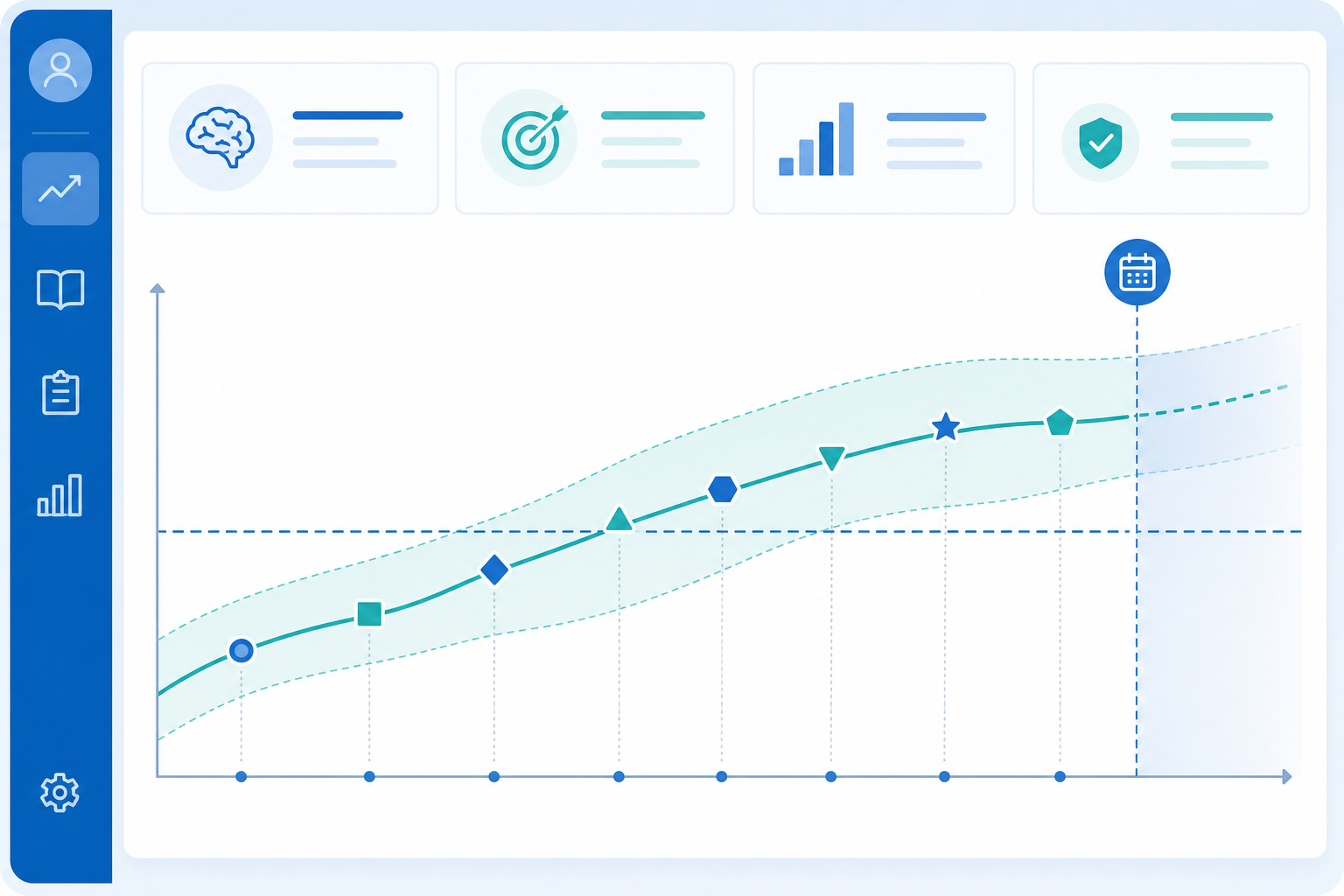
For scored examinations, the dashboard provides a predicted three-digit score and an estimated range. The range acknowledges that practice data cannot determine an exact future result. For Step 1, the underlying performance estimate is used to help evaluate readiness and passing likelihood even though the official result is reported as pass or fail.
The predictor also estimates your likelihood of passing based on your current predicted performance and the applicable examination standard. This translates several different inputs into a result that is easier to interpret than a collection of unrelated percentages.
An interactive graph plots completed assessments over time. You can use it to determine whether your broader trajectory is rising, remaining flat, or becoming less consistent. The graph includes the passing standard, along with markers for the current date and your planned exam date.
This perspective is especially valuable after an unexpected result. One disappointing score may feel decisive when viewed alone, but the full timeline may show steady overall improvement. Conversely, one unusually strong assessment should not automatically outweigh a longer pattern of inconsistent performance.
Turn shelf scores into a longitudinal clinical record
Shelf results can provide useful information before dedicated Step 2 CK preparation begins. Entering each result as it becomes available creates a running record across core clinical subjects rather than leaving those scores scattered across separate reports.
For example, consistently strong performance across Internal Medicine, Surgery, Pediatrics, Psychiatry, Family Medicine, and Obstetrics and Gynecology may suggest a broad clinical foundation. A weaker result in one category can highlight an area that deserves targeted review before or during dedicated study.
The purpose is not to overreact to one rotation or compare unlike examinations as though they were identical. It is to preserve potentially useful performance information and evaluate the pattern as more data becomes available.
By the time Step 2 CK preparation begins, you can review a clinical timeline instead of trying to reconstruct months of results from memory.
How to use the CoreStepPrep Score Predictor

Getting started takes only a few steps:
- **Select your examination.** Choose Step 1, Step 2 CK, Step 3, or the appropriate clinical shelf exam.
- **Add your planned test date.** This allows the dashboard to calculate the remaining time and position your performance within your study timeline.
- **Enter completed assessments.** Add the resource, form, score, and completion date. Include older supported results when they are available.
- **Review the complete dashboard.** Consider the predicted score, estimated range, passing likelihood, and performance graph together.
- **Update your record regularly.** Add each new supported assessment so the estimate and trend reflect your latest performance data.
The goal is not to enter only your strongest scores. A useful record should represent your preparation accurately, including results that were lower than expected.
Use the prediction as a planning tool
No score predictor can guarantee an examination result. Test-day performance can be affected by sleep, anxiety, pacing, testing conditions, question selection, and normal variation.
Use the CoreStepPrep prediction as decision support rather than as a substitute for judgment. Interpret it alongside:
- The estimated score range
- Your likelihood of passing
- The consistency of recent assessments
- Performance under realistic testing conditions
- The number of study days remaining
- Your personal score goal
Multiple data points generally provide a more useful picture than one favorable or unfavorable result. What matters is not the most flattering number on your dashboard, but the pattern your complete record reveals.
Final takeaways
- CoreStepPrep combines supported USMLE, NBME, question-bank, and shelf results in one timeline.
- The dashboard shows an estimated performance range, passing likelihood, and scores-over-time graph.
- Support spans Step 1, Step 2 CK, Step 3, and major clinical shelf categories.
- Updating the predictor after each assessment helps keep your readiness estimate current.
- The tool is free, requires no credit card, and is intended to remain free.
Stop manually comparing disconnected scores. Add your results, follow the trend, and use the full picture to guide your next decision.
Build your next study block with CoreStepPrep.